Table of Contents:
- How patient queue and sign-in systems work
- Why NZ healthcare clinics are under real pressure right now
- What a queue system actually fixes, and what it doesn’t
- Traditional check-in vs digital patient sign-in
- Where this fits for GP clinics specifically
- Questions to ask before choosing a system
- FAQs
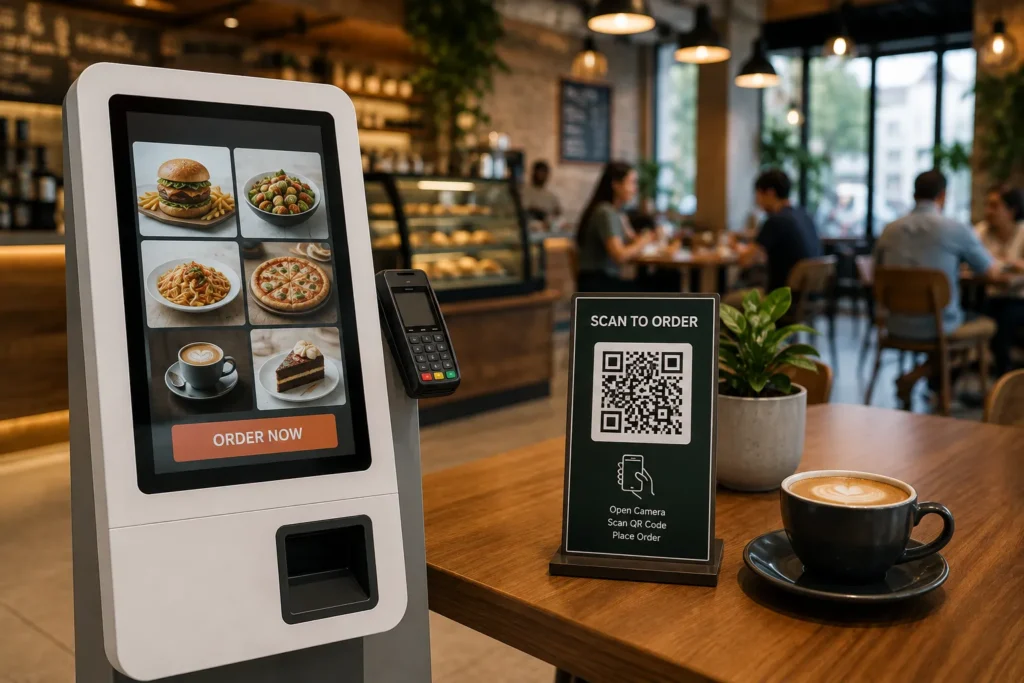
A queue management system, in a healthcare setting, is a patient sign-in kiosk paired with software that manages who’s waiting, in what order, and how staff get notified. It sounds simple because it is, the value is entirely in removing manual steps from a process that’s currently done by a receptionist writing names on a list or calling them out one by one.
How patient queue and sign-in systems work:
A patient arrives and checks in at a kiosk or tablet instead of queuing at the front desk, confirming their appointment and reason for visit. The system places them in the queue automatically, notifies staff, and can display wait status on a screen in the waiting room. Some systems also handle walk-ins and triage priority, not just booked appointments, which matters in a GP setting where both happen constantly.
Why NZ healthcare clinics are under real pressure right now:
This is worth being honest about rather than skipped over. A new national access target is set to launch in July 2026, aiming for 80% of patients to be seen within a week, but the current reality for many patients is a wait of up to four weeks for a routine GP appointment in urban centres, and access problems have spread into cities that traditionally didn’t struggle, with nearly 40% of Auckland GP clinics now having closed their books. This sits against a genuine health workforce shortage. None of that is something a queue management system fixes, and we’re not going to pretend otherwise.
What a queue system actually fixes, and what it doesn't:
It doesn’t get you more GPs, more appointment slots, or shorter waitlists. What it does fix is the in-clinic experience once a patient has an appointment, less time spent at the front desk, clearer communication about wait status, and less staff time spent on manual check-in and calling names. In a clinic that’s already stretched thin on staff, freeing up reception time for other work is a real, if narrower, benefit.
Traditional check-in vs digital patient sign-in:
| Factor | Traditional Check-In | Digital Patient Sign-In |
|---|
| Staff time per check-in | Higher, manual data entry | Lower, patient enters their own details |
| Wait status visibility | Patients have to ask | Can display on a waiting room screen |
| Handles walk-ins and triage | Manually managed by reception | Can be built into the queue logic |
| Privacy at the front desk | Details often spoken aloud | Entered privately at the kiosk |
Where this fits for GP clinics specifically:
GP practices are a good fit because the pattern is consistent, a mix of booked appointments and walk-ins, a small reception team doing a lot of manual coordination, and patients who want to know roughly how long they’re waiting without asking. The same logic extends to specialist clinics and allied health practices with similar patterns.
Questions to ask before choosing a system:
- Does it handle both booked appointments and walk-ins?
- Can it integrate with your existing patient management software?
- How is patient privacy handled at the check-in kiosk?
- Who provides installation and support in New Zealand?
- Can staff override or adjust the queue manually when needed, not just automatically?
Talk to a Queue Management Specialist in New Zealand
Considering a patient queue or sign-in system for your clinic? EON Solutions supplies, installs and supports queue management across New Zealand healthcare and retail settings.
📞
+64 20 4153 3999
📧
info@eonsolutions.co.nz
📍 Serving healthcare providers and businesses nationwide across New Zealand
💬
WhatsApp us
📩
Request a Quote
Related Solutions:
Written by Tejas Chandegara, EON Solutions.
Frequently Asked Questions About Queue Management for NZ Healthcare Clinics: