


 Product
POS Systems & Self-Service Kiosks for New Zealand Retail & Hospitality
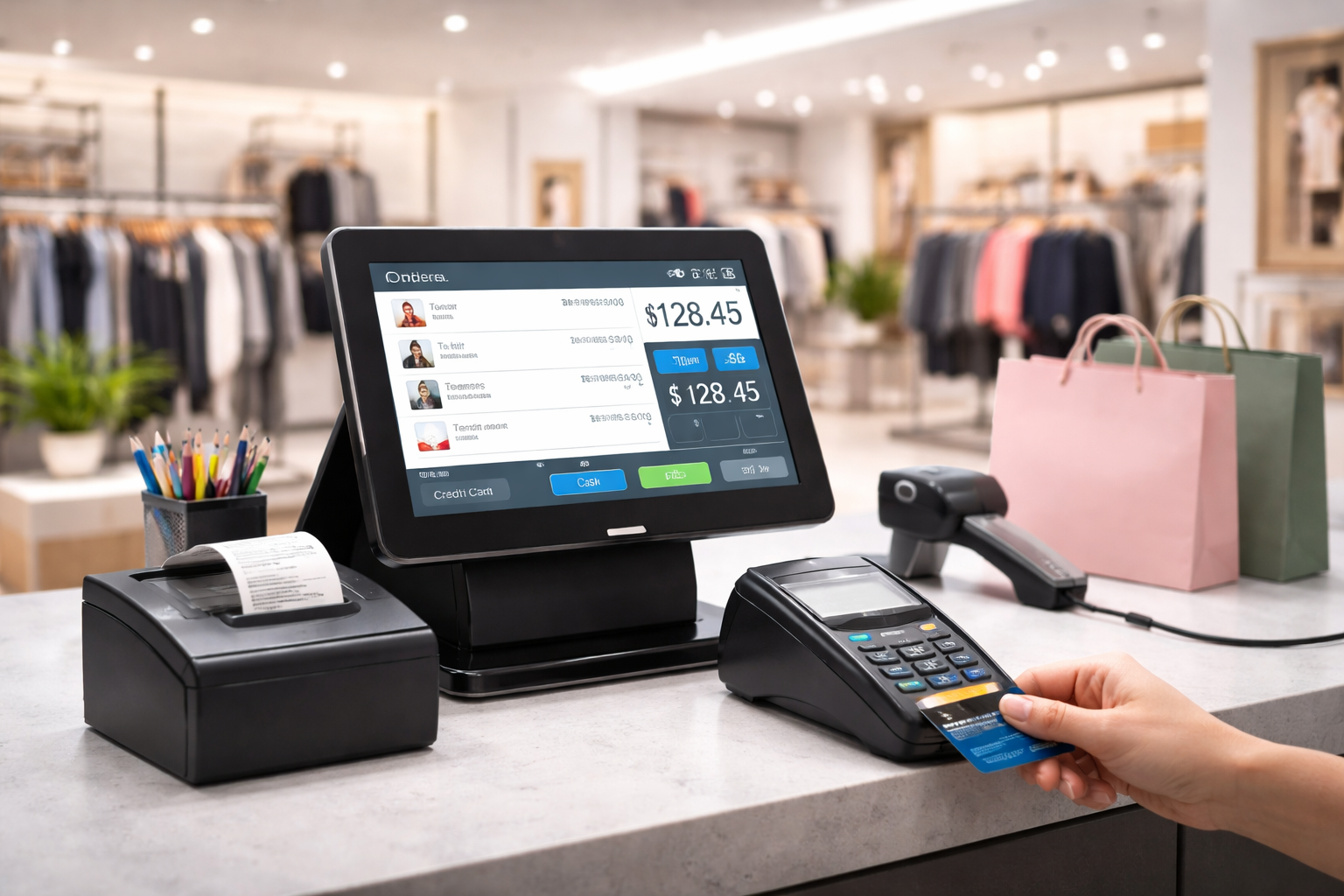
EON Pulse combines fast, reliable point-of-sale billing with self-service kiosk ordering built for New Zealand retailers, restaurants and healthcare providers who want to speed up checkout and reduce staffing pressure at peak times. From single-counter retail setups to multi-kiosk restaurant ordering, EON Pulse handles transactions, inventory sync, and reporting from one connected system, with installation and support included across New Zealand.



 Self Service Kiosk
Smart POS & Self Ordeing Kiosk Solutions
EON Pulse pairs a fast, reliable POS with self-service kiosks so customers can choose how they want to order at the counter or on their own while your team spends less time on repetitive transactions and more time on service. Real-time analytics and reporting mean you're never guessing how the floor is performing.

Smart POS System
Process transactions quickly with a powerful, real-time POS system designed for accuracy, speed, and seamless operations.

Self-Service Kiosk Integration
Enhance customer convenience with intuitive kiosks that reduce queues and allow faster ordering and checkout.

Real-Time Analytics
Track sales, monitor performance, and gain valuable insights with advanced reporting and dashboards.

Seamless Operations
Connect your team, devices, and workflows in one unified platform for smooth business management.


Workflow
Simple Steps to Streamline Your Workflow.
EON Pulse is set up around your existing operation: hardware, POS and kiosk configuration are installed and tailored to your business, staff begin managing transactions and orders through both channels, and you get real-time performance tracking from day one with the system able to scale as you add locations or peak-time demand grows.
1
Setup Your System
Quick installation with hardware, POS setup, and kiosk configuration tailored to your business.
2
Manage Transactions & Orders
Handle billing, orders, and customer interactions seamlessly through POS and self-service kiosks.

3
Monitor & Optimize
Track performance in real-time and improve operations using analytics and automation.
4
Scale Your Business
Expand easily with a flexible system designed to grow with your needs.
Use Cases
Perfect Fit for Every Venue

Takeaway Restaurants
Customers place orders through self-ordering kiosks, which are directly processed by the POS system.

Full-Service Restaurants
POS systems manage table orders, billing, and payments, while kiosks can be used for quick ordering or bill payments.

Cafés, Bakeries & Coffee Chains
Customers use kiosks for quick ordering during peak hours, while POS handles transactions and inventory.

Retail Stores
POS manages sales and inventory, while kiosks allow customers to browse products, check availability, or place orders.
Food Courts & Multi-Vendor Locations
Centralized self-order kiosks allow customers to order from multiple vendors, all integrated into a POS system.

Events & Entertainment Venues
Campus-wide navigation for students, staff, and visitors to find classrooms, departments, and facilities.