Table of Contents:
A guest arriving at 11pm to an unattended front desk is a genuinely common problem for smaller NZ hotels, motels and holiday parks, and it’s usually solved badly, with a lockbox code texted ahead of time or a phone number nobody answers after hours.
A self-check-in kiosk handles ID verification, payment and key dispensing on its own, so a late arrival isn’t dependent on someone being awake at reception. This isn’t only an after-hours fix though, it changes the arrival experience at any time of day.
What a self-check-in kiosk actually handles:
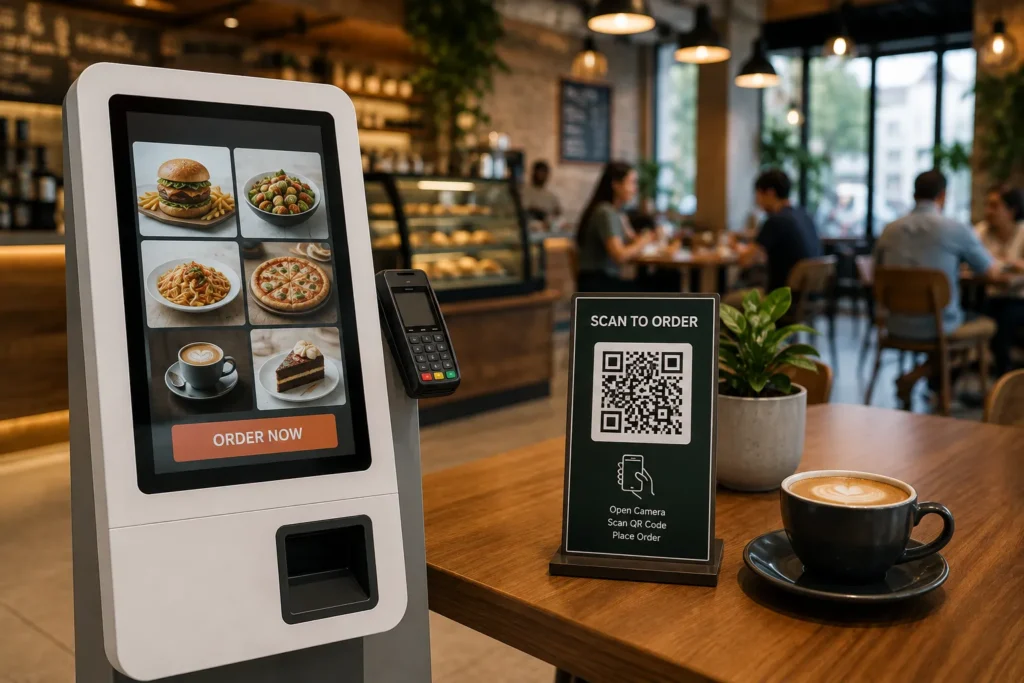
A self-check-in kiosk is a touchscreen terminal in the lobby that walks a guest through arrival independently, confirming their booking, verifying ID, taking payment if it hasn’t already been processed, and dispensing a room key or key card. The guest goes from arriving to holding a key without needing a staff member free at the desk.
ID verification and payment
Most kiosks scan a passport or driver’s licence and take a card payment the same way a front desk staff member would, just without the wait if the desk is busy or unattended. Some also support facial matching against the scanned ID for an extra layer of verification.
Key or key-card dispensing
Once check-in is confirmed, the kiosk issues a physical key card, or in some systems, sends a digital key to the guest’s phone. Either way, the guest doesn’t need a staff member to hand over a key in person.
Why this matters for after-hours arrivals:
Small and mid-sized accommodation providers often can’t justify staffing reception around the clock, which means late arrivals rely on lockbox codes, pre-arranged instructions, or an on-call phone number. A kiosk removes that dependency entirely, a guest arriving at any hour goes through the same process, staffed desk or not.
Where it fits: hotels vs motels vs holiday parks:
Larger hotels tend to use kiosks to speed up check-in during busy periods, alongside a staffed desk rather than instead of one. Motels and holiday parks, which more often run with limited or no overnight staff, tend to use kiosks as the primary after-hours arrival method rather than a supplementary one.
Staffed front desk vs self-check-in kiosk:
| Factor | Staffed front desk only | Self-check-in kiosk |
|---|
| After-hours arrivals | Depends on lockbox or phone instructions | Handled the same as any other check-in |
| Peak-time queuing | Guests wait for the next available staff member | Can run alongside the desk to reduce queuing |
| Staffing cost | Requires cover during open hours | Reduces reliance on overnight or peak-time staffing |
| Guest interaction | Personal, staff-led | Self-directed, with staff available if needed |
What to check before installing one:
- Confirm it integrates with your existing booking and property management system, rather than running as a separate, disconnected check-in record.
- Check ID scanning compatibility with common document types your guests actually use, NZ driver licences, passports, and international IDs.
- Ask what happens if a guest’s booking has an issue at the kiosk, whether there’s a way to reach staff without a phone call to an empty desk.
- Consider lobby placement and lighting, since the kiosk needs to be usable by a tired guest at midnight as easily as a guest at 2pm.
Talk to a Self-Check-In Kiosk Specialist in New Zealand
Considering a self-check-in kiosk for your property? EON Solutions supplies, installs and supports self-service kiosk systems across New Zealand.
📞 +64 20 4153 3999
📧 info@eonsolutions.co.nz
📍 Serving accommodation providers nationwide across New Zealand
💬 WhatsApp us
📩 Request a Quote
Related Solutions:
Written by the EON Solutions Team.
Frequently Asked Questions About Self-Check-In Kiosks in New Zealand: